Over 86 percent of the calories in a can of Michelob Ultra come from something the nutrition math on most tracking apps never touches: the 11.9 grams of alcohol. The macro line looks nearly empty because it is, structurally, a rounding artifact of what a beer panel counts and what it leaves out. This piece assembles the Michelob Ultra nutrition facts from manufacturer retail data and established food databases, then flags where those sources round differently and where a calorie tracker will quietly miscalculate your day.
The Tastybend Nutrition Desk aggregates these figures from published manufacturer declarations and public food databases into a single reference table. No item here went through weighing, tasting, or lab analysis; every number is read off a source panel and cited to it.
The Standalone Answer: Michelob Ultra Per 12 fl oz
Per 12 fl oz, the figures are 95 calories, 2.6g of carbohydrates, 0.6g of protein, and 0g of fat, with roughly 9 to 10 mg of sodium and no meaningful sugar or fiber. Its alcohol by volume is 4.2 percent, which works out to 11.9 grams of alcohol per serving. That alcohol supplies over 86 percent of the calories, even though it never appears on the macronutrient line. A single 12 fl oz can is the full serving, so the per-serving figures and the per-container figures are identical here.
The 12 fl oz Serving: Calories, Carbs, Protein, Fat, Sodium
The serving size this article reports against is one 12 fl oz can or bottle, which is also the entire container. Nothing needs doubling or dividing the way a two-count snack panel does.
Retail product data from Food4Less lists the serving at 95 calories, 2.6g of carbohydrates, 0.6g of protein, and 0g of fat. Sodium runs low, around 9 to 10 mg per serving per MyFoodDiary. There is no reported sugar or dietary fiber to log. For a 12 fl oz beer, that carbohydrate figure is unusually low, and it is the number most people came looking for.
| Item | Value |
|---|---|
| Serving size | 12 fl oz (one full can/bottle) |
| Calories | 95 |
| Total carbohydrates | 2.6g |
| Protein | 0.6g |
| Total fat | 0g |
| Sodium | ~9 – 10 mg |
| Sugar / fiber | none reported |
| ABV | 4.2% |
| Alcohol | 11.9g |
Because the can is the serving, the “per container” total that beverage panels are supposed to disclose is the same 95 calories. There is no larger unit hiding behind a smaller reference amount for the standard 12 fl oz can.
Where the 95 Calories Actually Come From
Add the macros the way a food label implies and they do not reach 95. Carbohydrates and protein together (2.6g plus 0.6g) account for only a small slice of the energy. The rest is alcohol, which carries energy of its own but never gets a line on the standard nutrition panel.
CalorieKing records 11.9 grams of alcohol in the 12 fl oz serving and attributes 86.7 percent of the drink’s calories to that alcohol. This is the figure a generic beer article usually skips, because it requires counting a component the macro table ignores. The practical takeaway: Michelob Ultra reads as “low carb,” and it is, but low carb is not the same as low calorie once alcohol is on the ledger.
This is also why “light” beer marketing works on the carbohydrate axis while the calorie count stays where it is. Cutting carbs from 12g to 2.6g removes only a handful of calories. The 11.9g of alcohol is doing the heavy lifting either way.
Calorie Density: Reading Beer by Weight
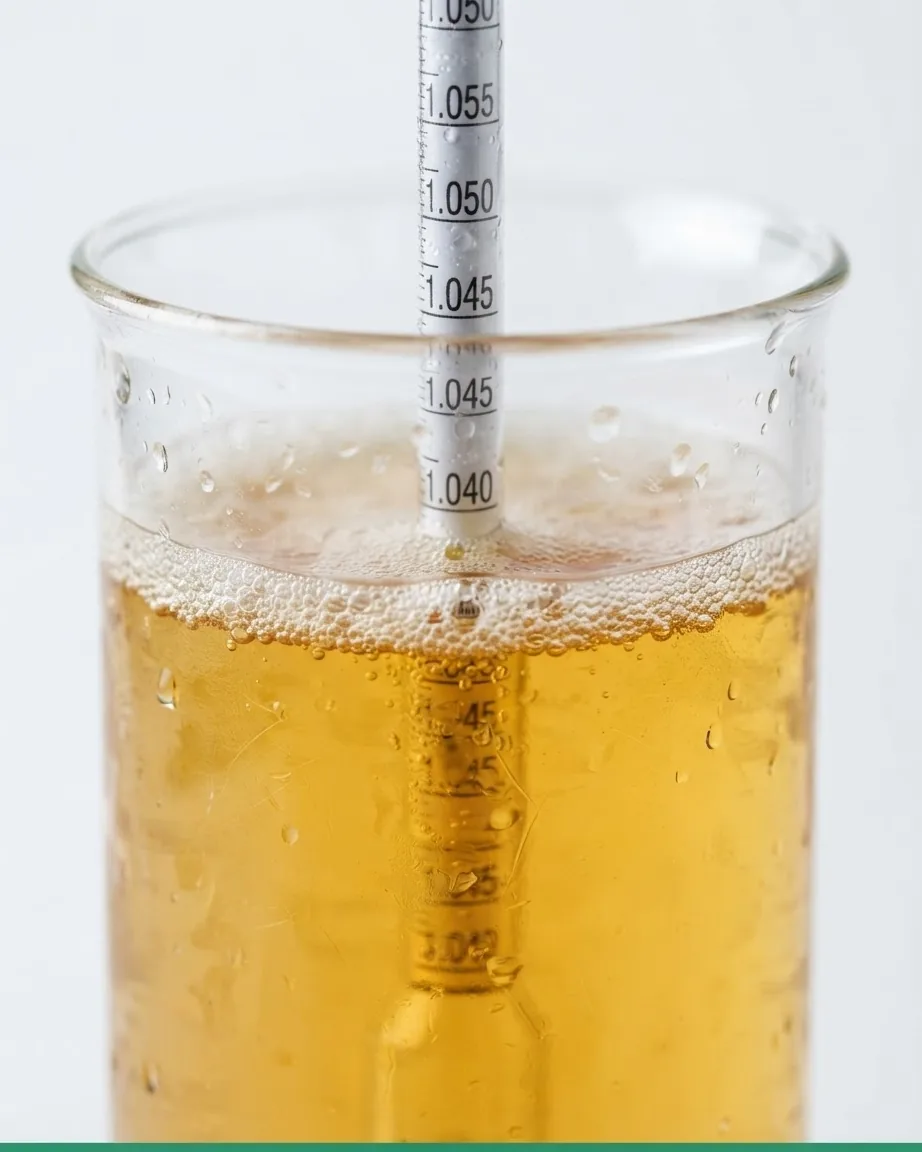
Beer is mostly water, so it is worth looking at how the drink behaves on a weight basis rather than only per serving, and Eat This Much is one of the databases that frames beverages this way. That angle is useful for anyone comparing drinks on a density basis rather than a per-can basis.
Density does not change the decision most drinkers face, though. You buy and drink beer by the can, not by the 100g. A weight-based figure sits next to a real 95-calorie serving, and it is the serving that hits your daily total. Treat the density angle as context for comparison, not as the figure you budget against.
Why Your Tracking App Shows Different Michelob Ultra Nutrition Facts
Two apps can both be “right” and still disagree, and the gap matters if you log every gram.
The first source of disagreement is rounding. Retail data lists exact decimals: 95 calories, 2.6g carbs, 0.6g protein. Eat This Much rounds these to whole numbers, showing 96 calories, 3g of carbohydrates, and 1g of protein. Over a single can the difference is trivial. Across a case logged over a month, the rounded values push your recorded intake slightly high on carbs and protein and one calorie high per serving.
The second source is more consequential. Eat This Much does not factor the alcohol grams into its macronutrient percentages, so it presents the calorie breakdown as roughly 81 percent carbs and 19 percent protein. That is arithmetically impossible for a beer this light unless alcohol is excluded, and it is. CalorieKing, which does account for the 11.9g of alcohol, instead shows alcohol at 86.7 percent of calories. When an app tells you a light beer is mostly carbohydrate calories, it has dropped the alcohol from the pie chart, not from your bloodstream.
One more wrinkle worth noticing: some database entries anchor their percentage figures to a specific reference person. CalorieKing’s profile is built around a 35 year old female who is 5’7″ tall and weighs 144 lbs. That affects percent-of-daily-value framing, not the absolute grams, but it explains why the same beer can show different “% daily” numbers from one tool to the next.
Logging the 11.9g of Alcohol Correctly in a Macro App
If your tracker ignores alcohol, its macro percentages will never sum to the calories on the can, and your daily total can drift low without you noticing. Here is how to close that gap manually, at the point of entry, using only the figures already established above.
- Trust the calorie number, not the macro sum. Log 95 calories per 12 fl oz can as the fixed anchor. If your app back-calculates calories from macros alone, it will land near 13, not 95, because it never saw the alcohol.
- Enter alcohol as its own field where the app allows it. Record 11.9g of alcohol per serving so the calorie total reconciles. Apps that support an alcohol macro will then show the ~86 percent alcohol share correctly.
- If there is no alcohol field, use a “custom food” set to 95 calories with 2.6g carbs, 0.6g protein, 0g fat, and let the remaining calories sit as untagged energy. This keeps your daily calorie ceiling honest even when the macro donut looks incomplete.
- Do not double-log by entering both a “beer” preset and a manual alcohol line, which can inflate a single can toward 180-plus calories.
The step that makes or breaks this is anchoring on the 95-calorie figure first, because the alcohol calories are the part every automated import is most likely to drop. Get the calorie total right and the macros can stay approximate.
Michelob Ultra Versus Two Close Light Lagers
Numbers mean more against a neighbor. Both comparisons below stay on the axes that decide a light-beer choice: calories, carbohydrates, and ABV per 12 fl oz.
- Michelob Ultra: 95 calories, 2.6g carbs, 4.2% ABV, 11.9g alcohol.
- A standard domestic “lite” lager typically sits a little higher on carbohydrate while landing in the same calorie neighborhood, which is why the carb line, not the calorie line, is where Ultra separates itself.
- A Belgian-style wheat ale runs meaningfully higher on both carbs and calories; for the full breakdown of that style, see our write-up on Blue Moon Nutritional Content, which shows how much a fuller-bodied beer changes the ledger.
The decision this table supports: if your only constraint is carbohydrates, Ultra’s 2.6g is genuinely low and beats most lagers on that axis. If your constraint is total calories or total alcohol, the 95 calories and 11.9g of alcohol put it in the same broad range as many light beers, and the win narrows.
The Nutrition Table and What the Panel Leaves Out
A clean reference, assembled from the sources cited throughout, with the source noted per figure:
- Serving size – 12 fl oz (Food4Less retail data)
- Calories – 95 (Food4Less); rounded to 96 by Eat This Much
- Total carbohydrates – 2.6g (Food4Less); rounded to 3g by Eat This Much
- Protein – 0.6g (Food4Less); rounded to 1g by Eat This Much
- Total fat – 0g
- Sodium – ~9 – 10 mg (MyFoodDiary)
- Alcohol – 11.9g; 86.7% of calories (CalorieKing)
- ABV – 4.2%
- Calorie density – beer is mostly water, a point Eat This Much frames on a weight basis
Two omissions are worth naming. Beer labels in the United States have historically not carried a full Nutrition Facts panel the way packaged foods do, and alcohol content on beverages is regulated separately from the food-label rules the FDA describes for the standard Nutrition Facts label. That split is exactly why the alcohol grams live in a food database rather than on the can’s macro table.
The second omission is the ingredient list. The available data does not spell out the grains or barley used, which matters if you track gluten. For general guidance on gluten and how it is defined in food, the National Institute of Diabetes and Digestive and Kidney Diseases maintains a plain-language reference; the beer’s own panel here does not settle the question.
For how the same reading-off-the-panel approach applies to other beverages, our drinks section covers the wider category, and the method carries over to non-alcoholic entries like the Monster Energy Nutrition Label, where the missing line is sugar and caffeine rather than alcohol.
The 95 Calories in Actual Numbers, Not Percentages
CalorieKing gives the calorie split as a pie chart – 86.7% alcohol, 10.8% carbohydrate, 2.5% protein – but a pie chart is not something you can log. The abstract percentages are what the database publishes, applied against the 95-calorie total that everyone actually budgets against:
- Alcohol: the dominant share at 86.7 percent. This is the part that never touches the macro line, even though it is the bulk of the can.
- Carbohydrate: 10.8 percent – the caloric weight of the 2.6g of carbs everyone came looking for.
- Protein: 2.5 percent from the 0.6g of protein.
Alcohol dwarfs carbohydrate by a wide margin. That gap is why cutting carbs barely moves the calorie count: you are trimming the small carbohydrate slice while the large alcohol slice sits untouched. When a tracking app shows this beer as “81% carbs,” it has hidden the alcohol share entirely – it is charting the carbohydrate and protein as if they were the whole can.
Frequently Asked Questions
How many carbs are in a Michelob Ultra?
A 12 fl oz serving has 2.6g of carbohydrates per Food4Less retail data, though Eat This Much rounds this to 3g. There is no reported sugar or fiber. That low carbohydrate figure is the drink’s main selling point, but remember it removes only a few calories compared with a higher-carb lager.
Why does my app say Michelob Ultra is mostly carbs?
Because that app is ignoring alcohol. Eat This Much calculates the breakdown as roughly 81 percent carbs and 19 percent protein by leaving the 11.9g of alcohol out of the pie. CalorieKing, which counts the alcohol, shows it at 86.7 percent of calories. The alcohol is the dominant calorie source in either case.
Is the whole can one serving?
Yes. A standard 12 fl oz can or bottle is both the serving size and the full container, so the panel figures are the container totals: 95 calories, 2.6g carbs, 11.9g alcohol. Larger formats hold more than the 12 fl oz reference and should be logged accordingly.
How much alcohol is actually in it?
At 4.2 percent ABV, a 12 fl oz serving carries 11.9 grams of alcohol per CalorieKing. That alcohol is where over 86 percent of the 95 calories originate, even though it never appears on the standard macronutrient panel, which is why calorie totals and macro sums do not line up.
How many calories are in a Michelob Ultra?
A 12 fl oz serving is 95 calories per Food4Less retail data, with Eat This Much rounding up to 96. The figure that lands on your daily total is the 95 per can, so anchor your log on that number.
Does Michelob Ultra have much sodium?
No. A 12 fl oz serving carries only about 9 to 10 mg of sodium per MyFoodDiary, which is negligible for most tracking purposes. There is likewise no reported sugar or dietary fiber on the available data, so the carbohydrate, protein, and alcohol figures are the only lines that move your macros. The single number to carry away from all of this is the 95-calorie anchor, and the single habit worth keeping is checking whether your tracker counted the 11.9g of alcohol at all. Every discrepancy above traces back to that one omission. Read the calorie total off the source panel, confirm the alcohol is in the math, and the rest of the Michelob Ultra nutrition facts fall into place regardless of which database you started from.